
Viewing and Editing Test Requests
Navigate
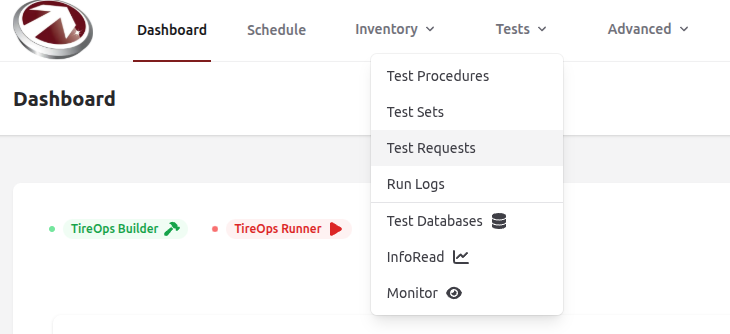
From the Dashboard Navigate to Test Requests from the Tests dropdown menu.
View the Test Requests Table
From here, you will see all requests in a table with sorting, filtering, and search.
View the Details of a specific Test Request
- Find the request you want ot view within the table.
- Click the request to view its details.
- List View: See all requests in a table with sorting, filtering, and search.
- Details View: Click a request to view details, including status, timeline, requirements, tasks, and comments.
- Edit: If the request hasn't started (modifiable status), click Edit to update fields. Changes are logged.